 Camera-WaterMark
导入照片
Import a photo
选择 JPG、PNG 或 RAW 原片,EXIF 参数会自动读取。
Choose a JPG, PNG or RAW file. EXIF details are read automatically.
免费在线图片加水印工具:自动读取 EXIF 相机型号、镜头、焦距、光圈、快门、ISO 与日期,给相机照片加水印、添加文字水印,支持批量图片水印与 20 款画框、模糊卡片。一套内核,运行于网页、安卓、Windows 与 iPhone。
A free online image watermark tool: reads EXIF automatically — body, lens, focal length, aperture, shutter, ISO and date — and stamps camera photo watermarks, text marks, batch photo watermarks, 20 film frames or a blur card. One core across web, Android, Windows and iPhone.

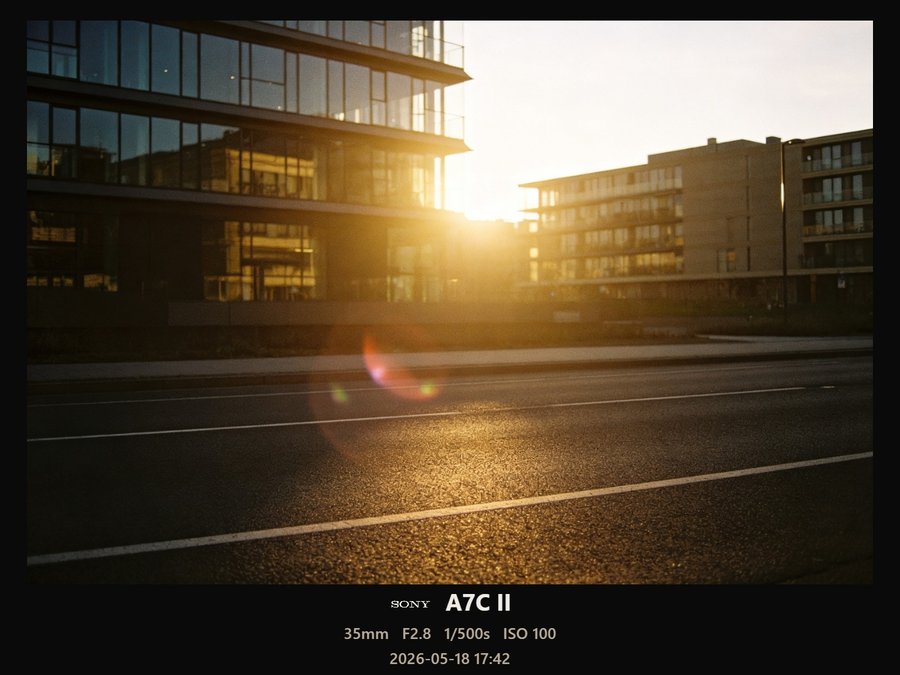
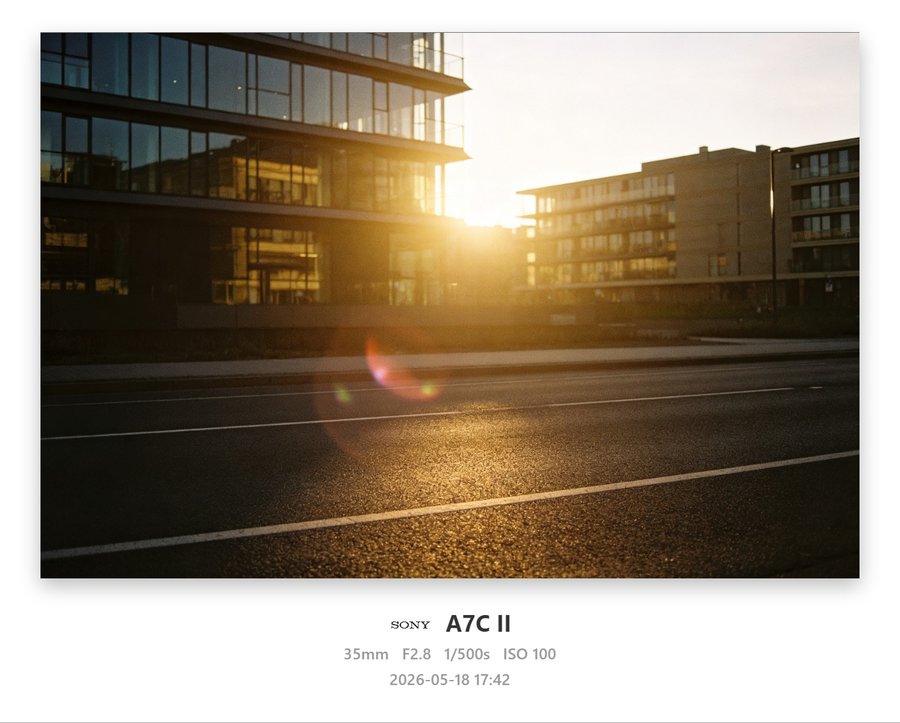
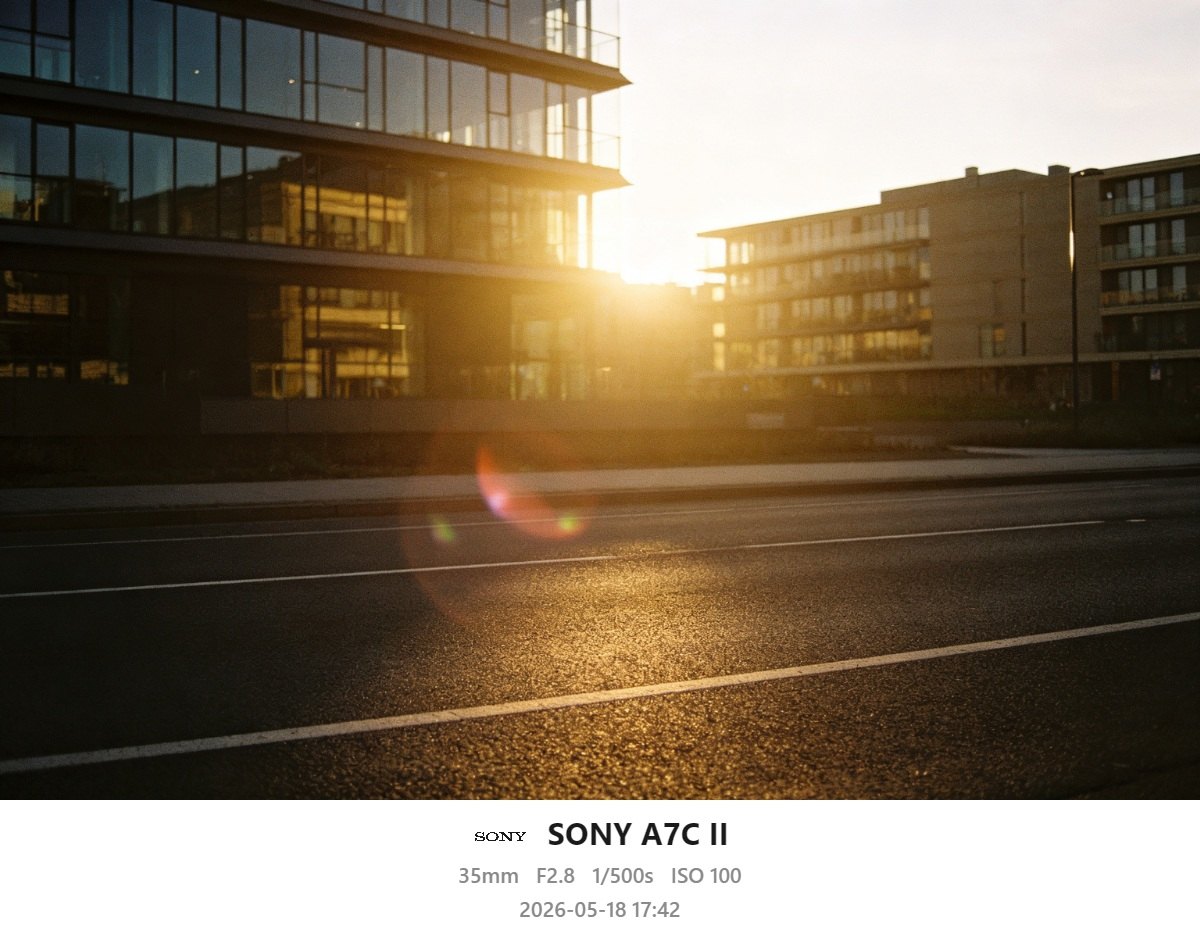
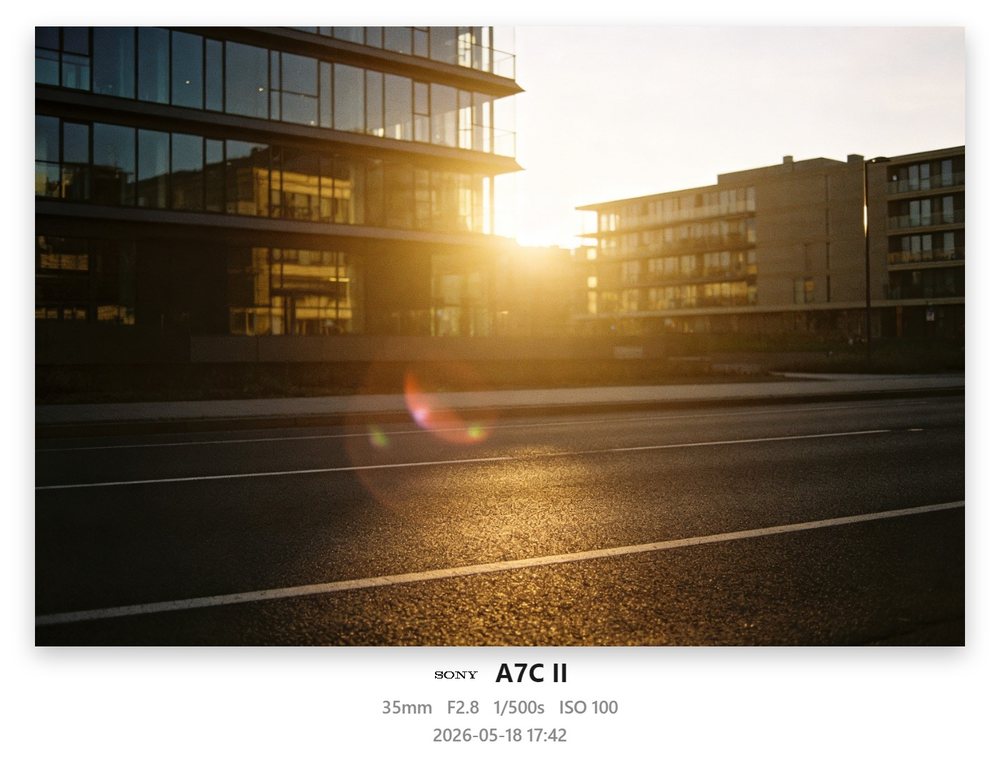
拖动中间分隔线,左为原始照片,右为 Camera-WaterMark 渲染结果——全程本地完成。
Drag the divider. Left is the original, right is rendered by Camera-WaterMark — entirely on-device.

 BEFORE
AFTER
BEFORE
AFTER
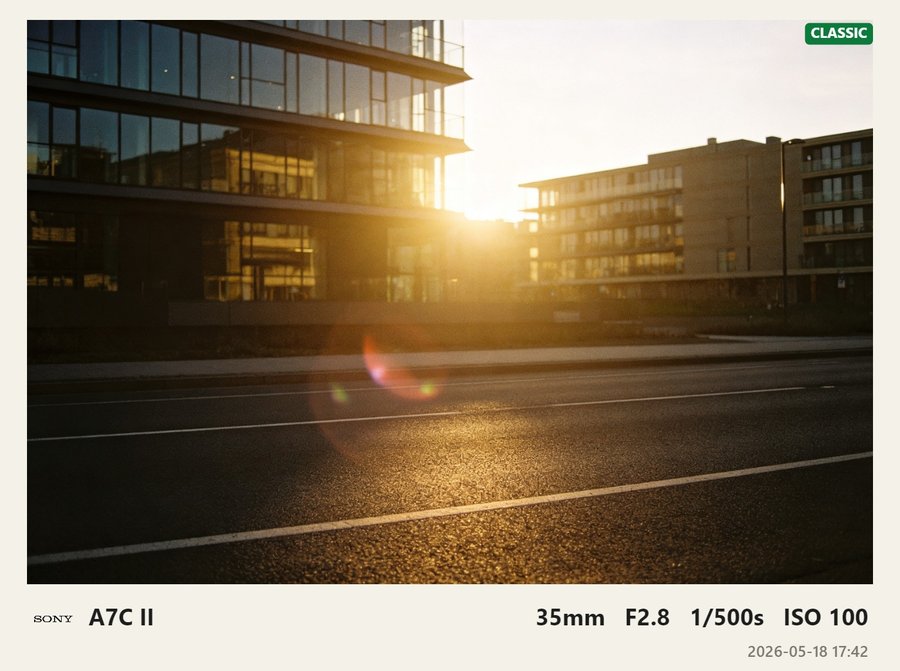
← 拖动对比 · 右侧为「经典底栏」模板真实输出(照片全程本地完成)→
← Drag · right side is the real Classic-bar output (100% on-device) →
把复杂的参数交给工具,把时间留给你的照片。
Let the tool handle the parameters and keep your time for the photograph.
选择 JPG、PNG 或 RAW 原片,EXIF 参数会自动读取。
Choose a JPG, PNG or RAW file. EXIF details are read automatically.
浏览 20 款画框、参数水印或模糊卡片,实时预览效果。
Pick from 20 frames, EXIF marks or blur cards and preview instantly.
确认比例与信息后导出,原片始终留在你的设备上。
Confirm the ratio and details, then export. Your original stays on-device.
型号、镜头、焦距、光圈、快门、ISO、日期自动识别,识别不到可手动补全。
Body, lens, focal length, aperture, shutter, ISO and date — with manual fallback.
经典底栏、电影黑边、徕卡 / 富士 / 哈苏、拍立得、胶片齿孔、接触印样等五大类。
Classic bars, letterbox, Leica / Fuji / Hasselblad, Polaroid, filmstrip, contact sheet and more.
内置数十个相机 / 手机品牌白标,可叠加多个图片水印,支持自定义 PNG / GIF。
Dozens of camera and phone marks, stackable image watermarks, custom PNG / GIF.
桌面端读取 RAW 内嵌全尺寸预览并自动转正竖拍,导出 JPG / PNG / WebP,可保留 EXIF。
Desktop reads embedded full-size previews with auto-rotation; export JPG / PNG / WebP with EXIF.
同一张照片分出模糊背景与清晰主体,上下左右 / 左右分离五种布局,参数框自由对齐。
One photo into a blurred field and a sharp subject, with five layouts and alignable badges.
EXIF 解析、渲染与导出全部在设备本地完成,原片不上传、不离开你,断网照常工作。
Parsing, rendering and export stay on-device. No upload, no tracking, works offline.
下列每一张都由 Camera-WaterMark 真实内核渲染。点击任意模板,照片不变,只换水印与画框。
Every preview below is rendered by the real engine. Click a template — the photo stays, only the mark changes.
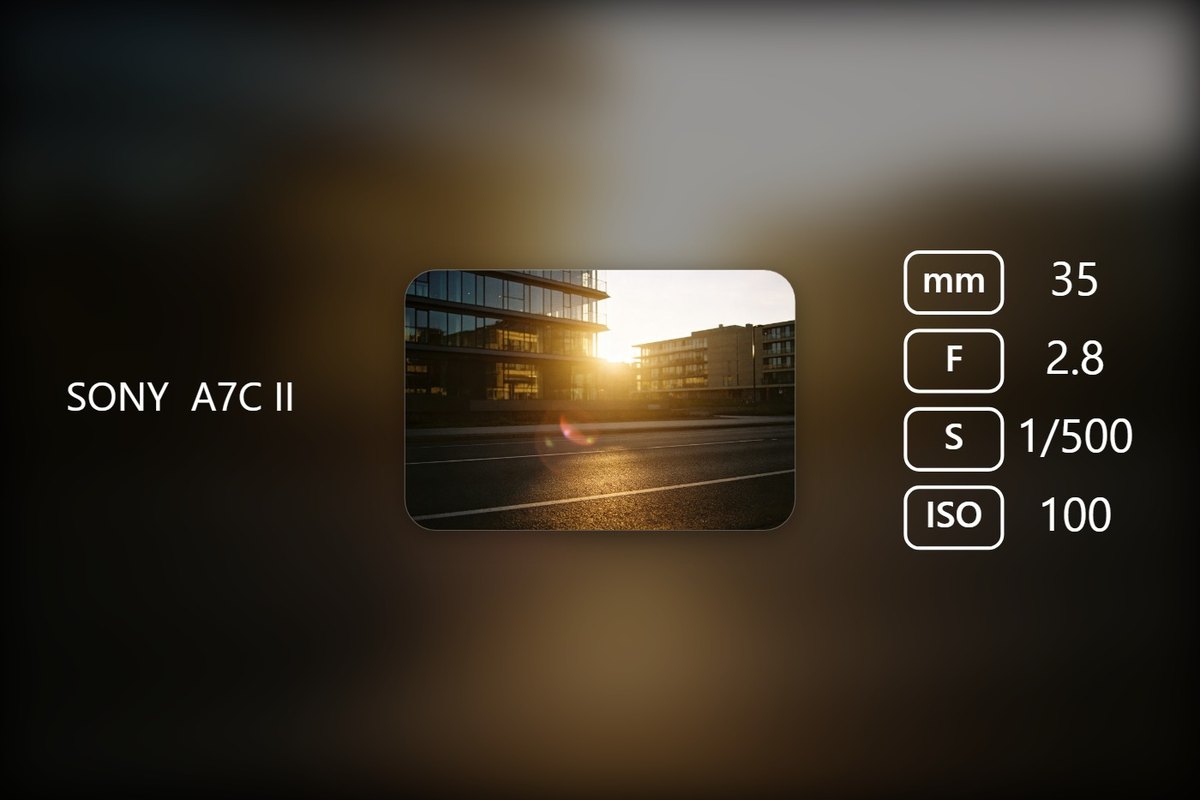
同一张照片自动拆成两层:放大模糊的背景与保持清晰的主体小窗,EXIF 参数以相机菜单风格的小框排列,特别适合社交平台的方形 / 竖图分享。
The same photo splits into two layers: an enlarged blurred field and a sharp subject window, with EXIF badges laid out like a camera menu — ideal for social posts.
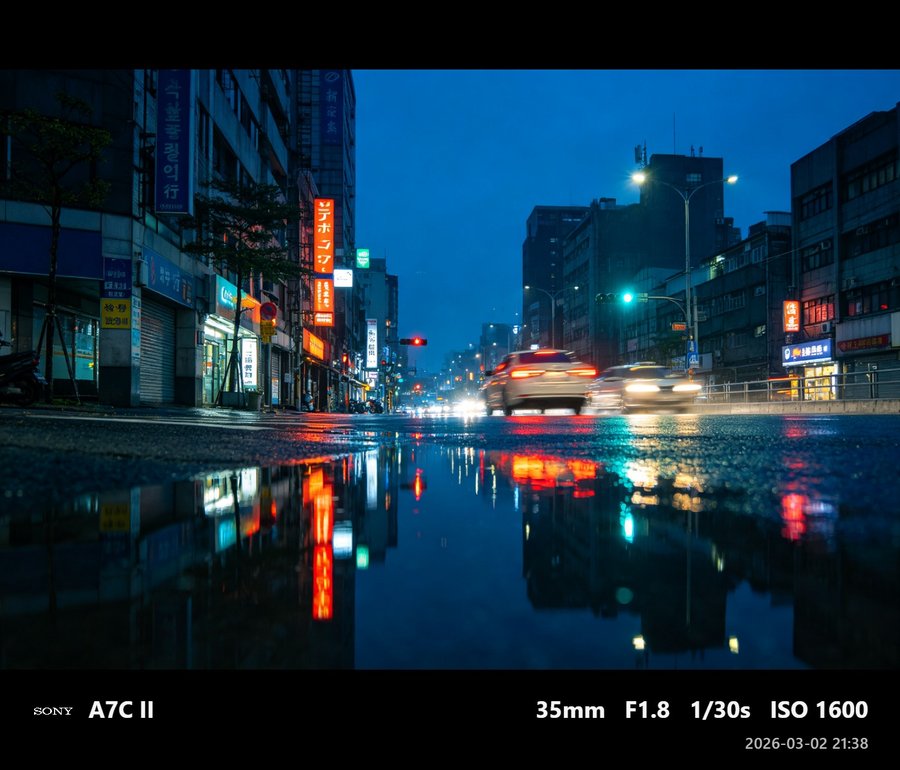
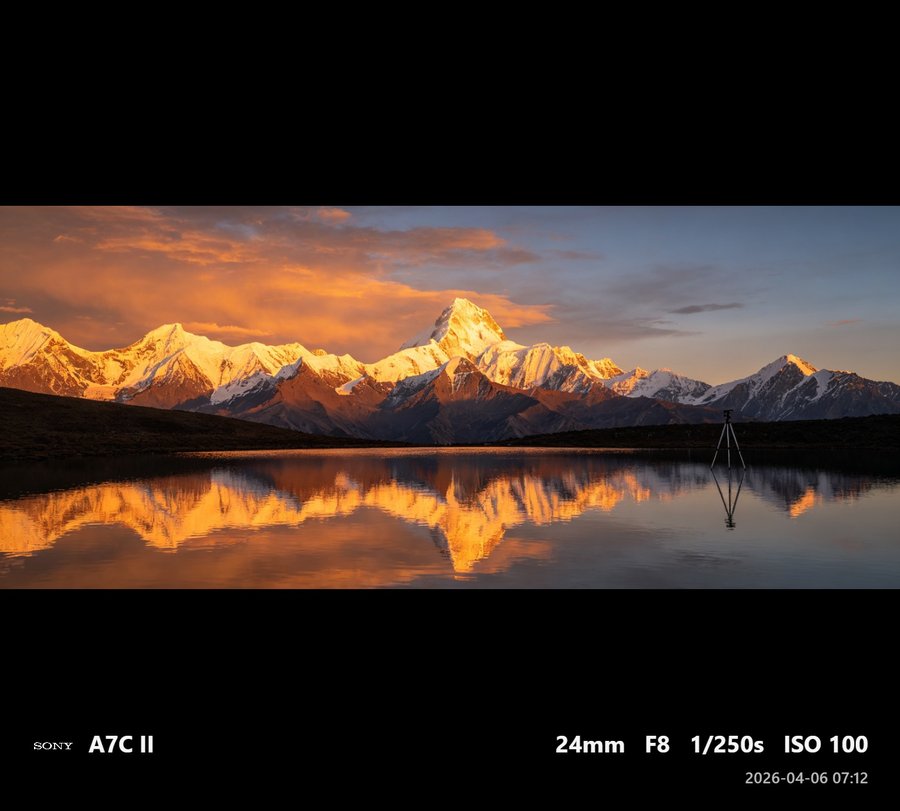
下面每一张都是用 App 内核为示例照片渲染的成片,覆盖风光、人像、夜景与街头。
Each image below was rendered by the app engine for a sample photo — landscape, portrait, night and street.
没有服务器、没有上传队列、没有账号。EXIF 解析、水印渲染到导出,全部在本机或浏览器内完成。
No server, no upload queue, no account. EXIF parsing, rendering and export all run locally.
没有账号、没有订阅、没有云端、更不会在你的水印上再叠一层水印。源码开放、可自由学习修改,仅供个人非商业使用,禁止商用;欢迎 Star、提 Issue、贡献新的画框模板。
No account, no subscription, no cloud — and no watermark on your watermark. Source-available and free to study, for personal non-commercial use only (no commercial use). Stars, issues and new frames welcome.
查看源码 View source网页版免安装即开即用;客户端支持离线与本地批量处理,安装包经 GitHub Releases 分发。
The web app needs no install; clients work offline for local batch work via GitHub Releases.
最新发布:PWA v3.0-build12(2026-09-10) · Android / Windows v3.0-build12(2026-09-10)
Latest releases: PWA v3.0-build12 (2026-09-10) · Android / Windows v3.0-build12 (2026-09-10)
导入照片后,这个在线图片加水印工具会自动读取 EXIF 中的品牌型号、快门、光圈、ISO、焦距、镜头与时间,给相机照片加水印只需选择「文字水印」或任意画框模板;支持批量图片水印一次处理多张,识别不到的机型也能手动填写。
On import, EXIF make/model/shutter/aperture/ISO/focal/lens/time are read automatically, so camera photo watermarks need no typing — pick a text mark or any frame, and use batch photo watermark for many files at once, with manual fallback.
可以。内置 20 款画框与胶片模板(徕卡红标、拍立得、电影黑边、宽银幕、接触印样、哈苏等),也有「模糊背景 + 清晰主体」的模糊卡片,并可叠加品牌 Logo,接近主流手机与相机的水印风格。
Yes. 20 frames (Leica-red, Polaroid, cinematic, CinemaScope, contact sheet, Hasselblad…) plus a blur card and brand logos, matching mainstream camera and phone looks.
安卓提供可直接安装的 APK;iPhone 与任意手机可用网页版 PWA:在 Safari / 浏览器打开后选择「添加到主屏幕」,即可全屏、离线、像原生 App 一样使用,无需应用商店。
Android has a direct APK. On iPhone and any phone, use the PWA: open in Safari → Share → Add to Home Screen for a full-screen offline app with no store needed.
不会上传。EXIF 解析、水印渲染和导出全部在你的设备 / 浏览器本地完成,断网也能用,原片只读、不会被修改或删除。
No upload. Parsing, rendering and export all happen locally on your device; it works offline and never alters or deletes originals.
桌面版支持 ARW / NEF / CR2 / DNG 等 RAW 的内嵌全尺寸预览并自动转正竖拍;可导出 JPG / PNG / WebP,JPG 可保留 EXIF,并支持多种导出比例。
Desktop reads embedded full-size previews from ARW / NEF / CR2 / DNG with auto-rotation; export JPG / PNG / WebP, keep EXIF on JPG, with multiple ratios.
个人使用完全免费、源码开放,可自由学习与修改,但不允许任何商业用途(售卖、付费服务、用于商业素材生产等),版权归作者所有,欢迎 Star、提 Issue 或贡献模板。
Free for personal use with source available to study and modify, but no commercial use of any kind (resale, paid services, commercial asset production). Copyright retained by the author. Stars and contributions welcome.
核心水印能力三端一致。网页版免安装、跨平台、可离线缓存;Windows 客户端额外支持 RAW、插件商店与大批量文件夹处理;安卓客户端支持保存到相册与触屏手势。
The core is identical. Web is install-free and cross-platform; Windows adds RAW, a plugin store and large folders; Android adds gallery export and touch gestures.
使用批量加水印功能,你可以一次性上传多张相机照片,批量添加 EXIF 相机水印与自定义文字水印:导入多张图片后统一设置水印样式与画框模板,再一键导出全部成片。工具在浏览器本地完成图片处理,不会上传原图到服务器,适合给整组相机照片快速加上参数水印。
With batch photo watermark, load several camera photos at once, apply the same EXIF camera watermark, text watermark and frame template to all of them, then export the whole set in one go. All image processing runs locally in your browser — your photos are never uploaded to a server.
免安装在线试用,或下载客户端离线批量处理。源码公开,个人免费,原片安全。
Try it instantly in the browser, or download for offline batch work. Source available for personal use, with your originals kept safe.